A loyalty card maker that does the designing for you.
Passumo makes your loyalty card for you. Search for your shop, and we take your name and address from your business listing and your logo and colors from your website, then build an Apple Wallet and Google Wallet card with a banner and a QR code. Scan it to see it in your own wallet, and change anything next to a live preview.
From your shop's name to a card in your wallet
You find your shop and scan the code. The part in between is ours.
- Step 1
Find your shop
Start typing your shop's name and pick it from the list. Your name, address, and category come from your public listing, so all that's left is your name, mobile, and email.
- No account, no password, no credit card
- Nothing to design and nothing to upload
Is this your business? Quern CoffeeCaféHigh Street, Manchester
- No account
- No credit card
- We build it for you
- Step 2
We build your card
Your request comes to our team. Once it's approved, your card is built around your shop: colors read from your logo and website, a banner behind them, and a QR code styled to match. Your invite arrives by email.
- Usually ready the same day
- Your colors, not a template's
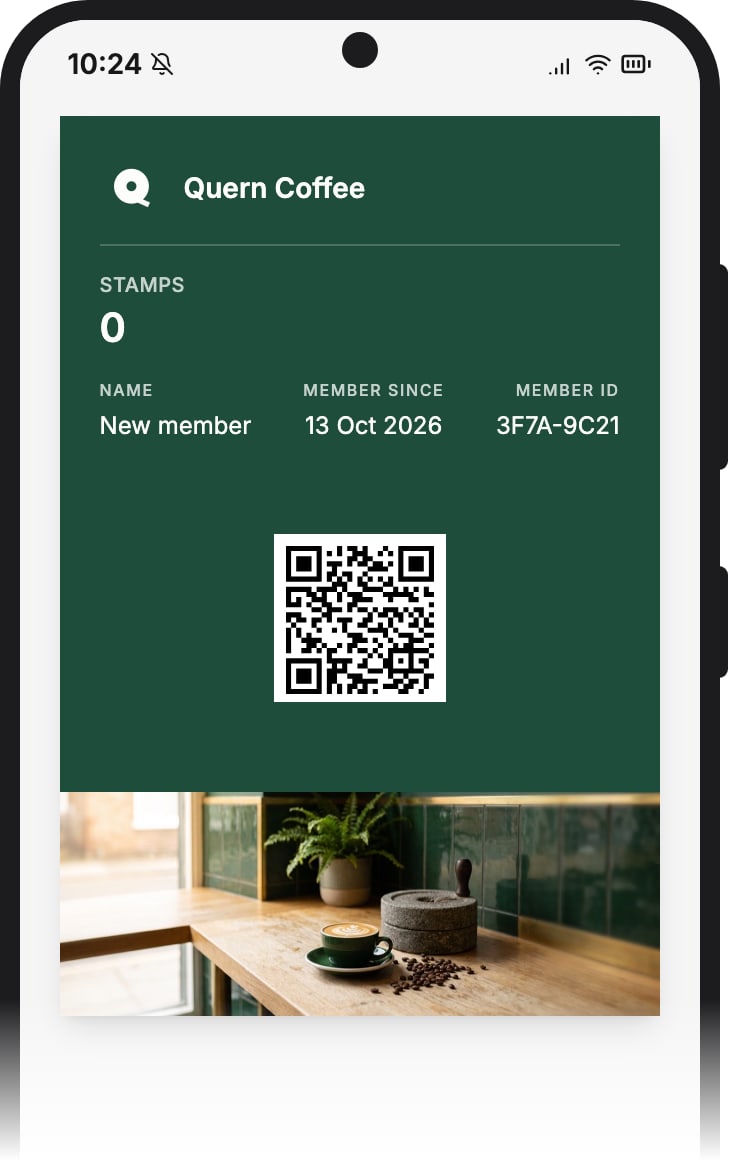
Quern CoffeeStamps0 MemberPriya ShahBuilding your program
- Studying your business
- Choosing your colors
- Designing your card
- Painting your banner
- Styling your QR code
- Setting your automations running
- Step 3
Scan it, and it's in your wallet
The first time you open your dashboard, it shows your own QR code. Scan it with your phone and the card lands in your wallet, exactly as your customers will get it.
- Apple Wallet and Google Wallet, no app to install
- Customers can join once your free trial starts
Quern Coffee is readyScan this with your phone to add your own card. - Step 4
Change anything, next to a live preview
The logo, the colors, the banner, the fields on the pass, the join page: all of it is yours to edit, and the preview beside it changes as you do. Save, and every card already in a wallet updates itself.
- Preview Apple Wallet, Google Wallet, and your join page
- Upload your own banner, or generate one with AI


Everything you can change
Six steps, each beside a live preview of your card.
Details
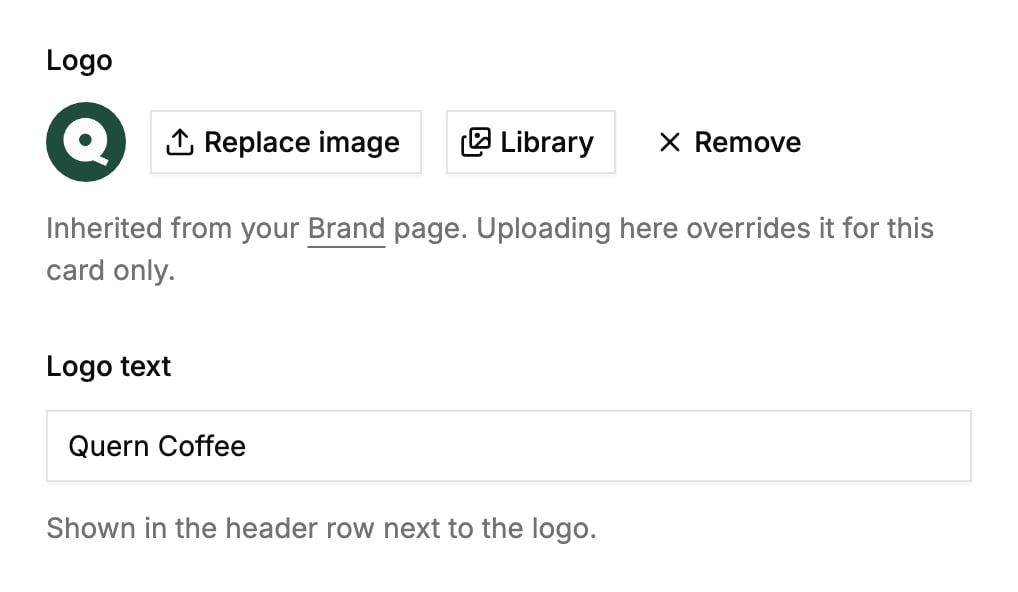
Your logo and the name beside it. Google Wallet can take a wide logo of its own.
Design
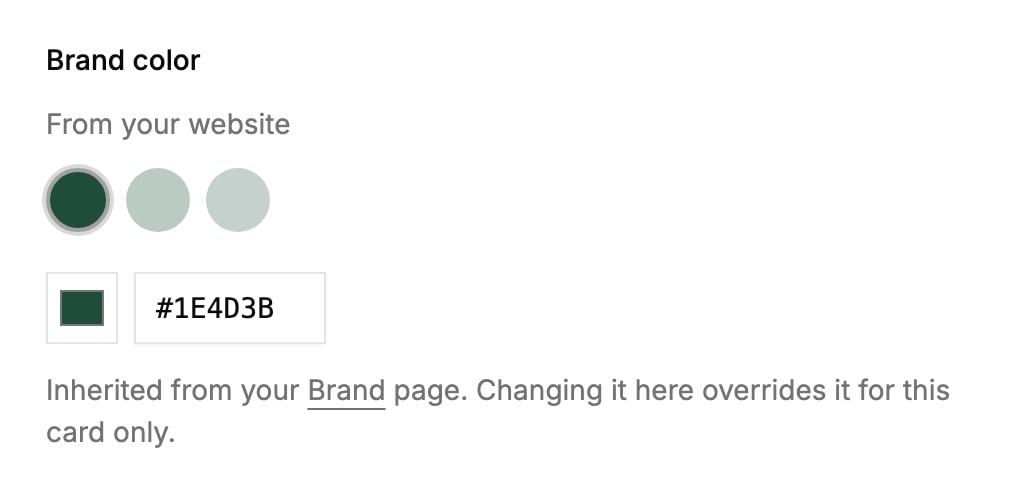
Your brand color, offered from your own colors, then the background and the banner.
Content
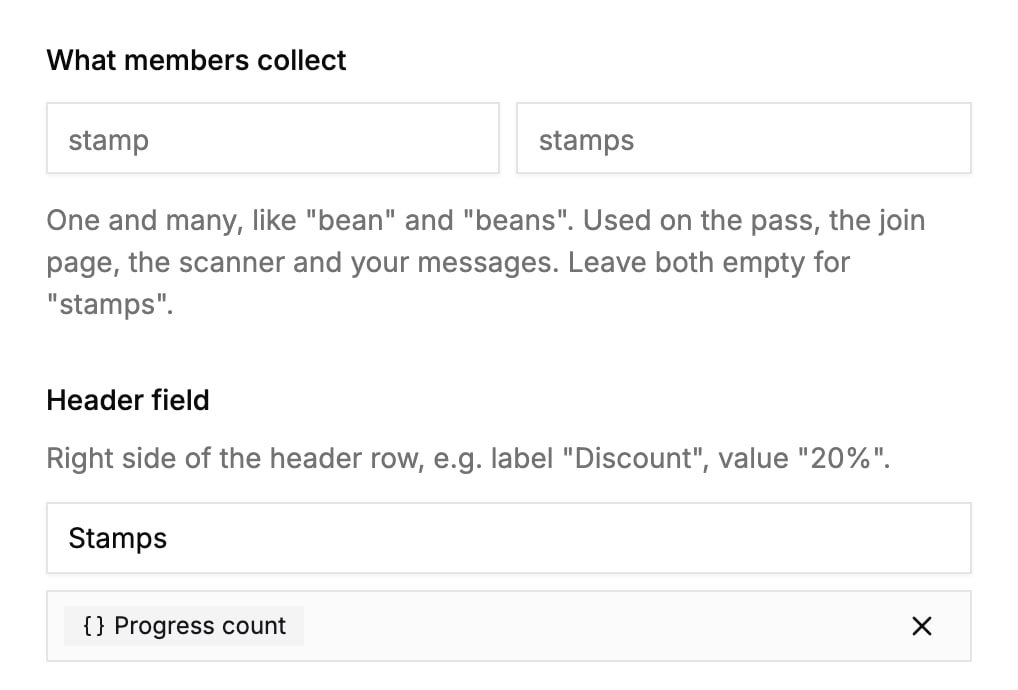
What members collect, stamps or beans or anything else, and the fields on the pass.
Join page
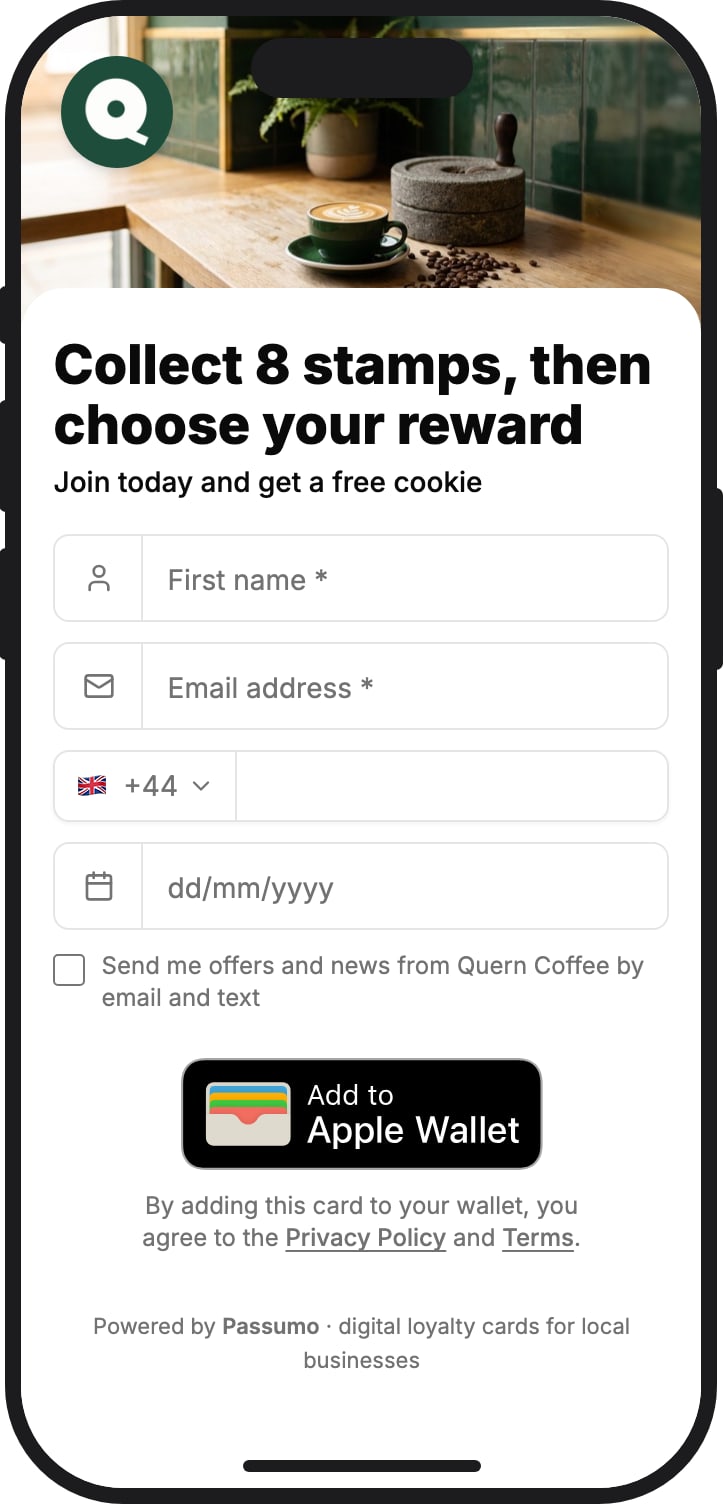
What the sign-up form asks for, its headline, and how the page looks.
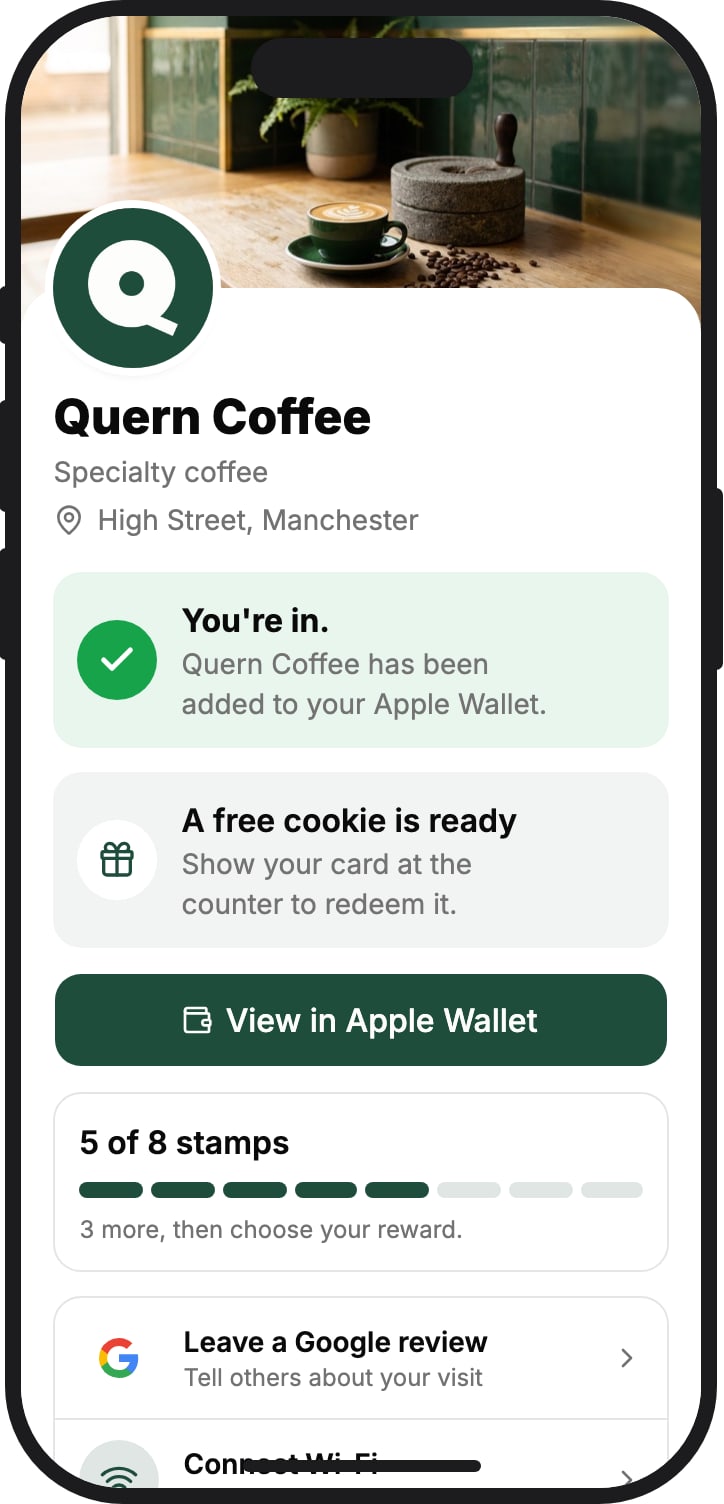
Shop profile
The page members see the moment they join, and every time they come back.
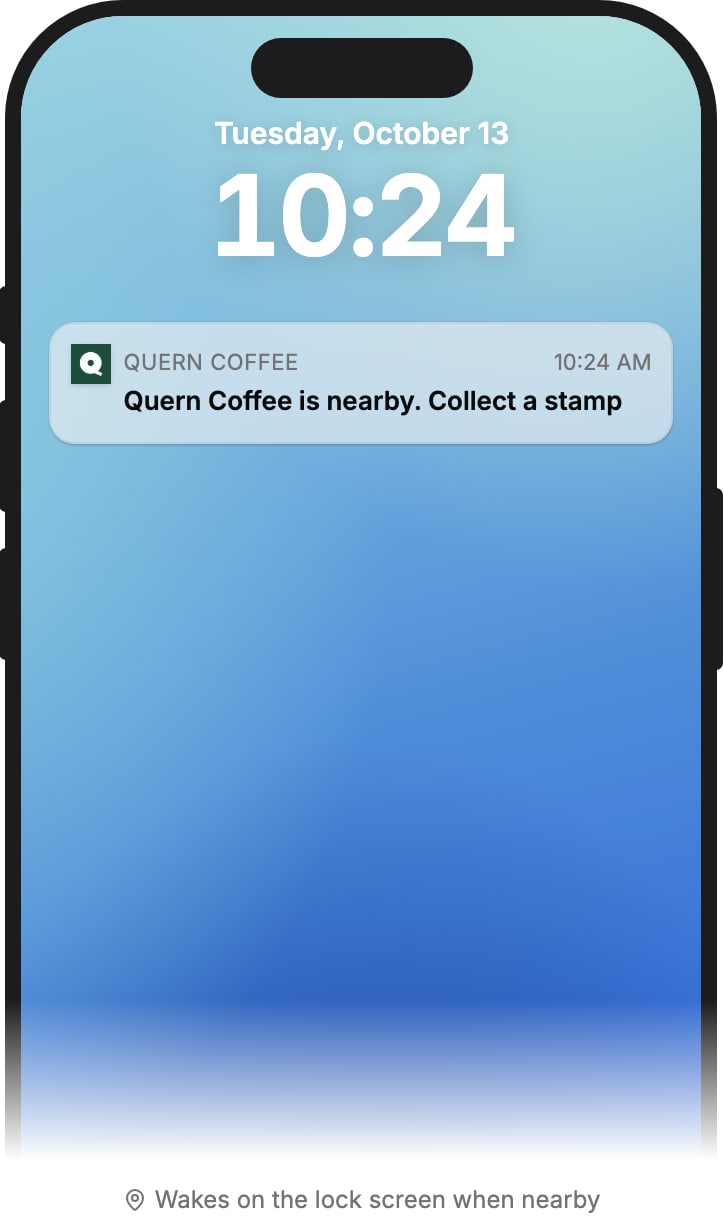
Nearby
On iPhone, your card on the Lock Screen when a member is close to your shop.


Find your business. We set the whole thing up for you.
No signup, no credit card. Search for your business and leave your details. We design your wallet card, set up the follow-up, and send you an invite to your ready-made dashboard.
- No account
- No credit card
- We build it for you
Loyalty card questions
The ones owners ask before they let us make theirs.
Loyalty card questions
Something else on your mind? Email us. A human answers.
Give customers a reason to come back.
Find your business and we set it up for you. Your first customers can join this week, and the follow-up starts the moment they do.